Tag Archives: Electric Quilt

Flying Dutchman Quilt Block

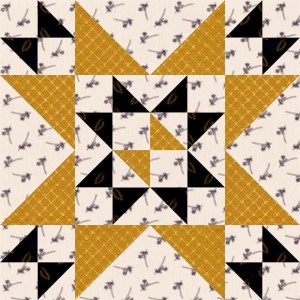
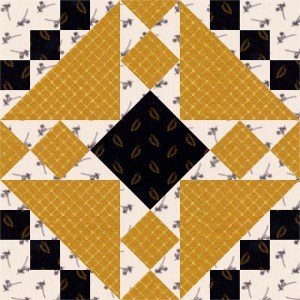
This week, we’ll look at the Flying Dutchman quilt block from Nancy Martin’s Perpetual Calendar.

The Flying Dutchman is drafted from a 4 x 4 grid.

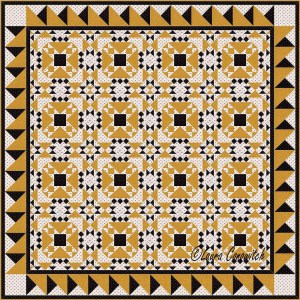
Electric Quilt makes it quick and easy to visualize what this block will look like set side by side in a simple straight set with borders.

Flying Dutchman Straight Set

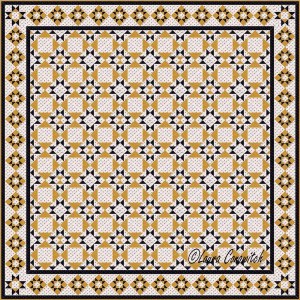
I like it better with sashing strips added:

Flying Dutchman Straight Set 2

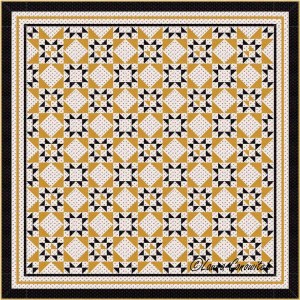
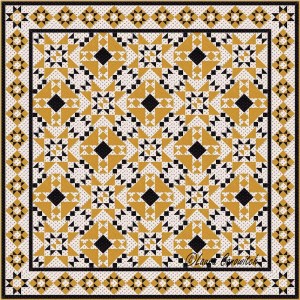
See what happens when I switch out a few Flying Dutchman and add the Basic 4X block:

Flying Dutchman Straight Set 3

I like that star in the center!

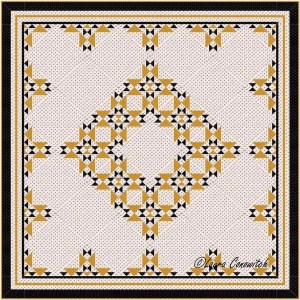
Let’s see what the Flying Dutchman block looks like turned on point with borders:
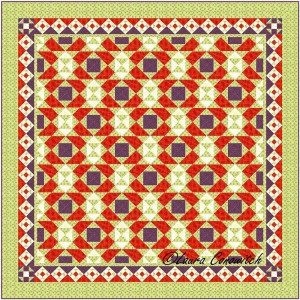
Flying Dutchman On Point Set

Again, I like it better with sashing strips:
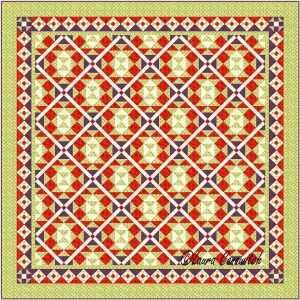
Flying Dutchman On Point Set 2

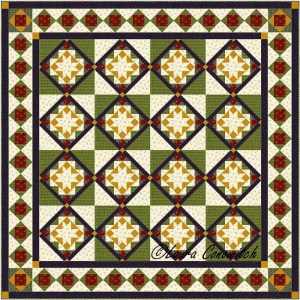
This is what happens when I increase the width of the sashing and put the Basic 4X blocks in the strips:

Flying Dutchman On Point Set 3

I am presenting basic design to you.  Create your own fun by trying different borders, changing the color and value, rotating the blocks, playing with sashing, and trying different block combinati0ns.

Eddystone Light Quilt Block

One of the things that I love about Electric Quilt, is the quick and easy way to visualize what a block will look like in a quilt setting.

Let’s look at the Eddystone Light quilt block from Nancy Martin’s Perpetual Calendar.

Eddystone Light is drafted from a 6 x 6 grid.

If you have BlockBase, Eddystone Light is number 2073.

Here it is presented in a simple straight set (blocks set square…side by side) with borders:

Eddystone Light Straight Set

With sashing added:

Eddystone Light Straight Set 2

And with the Basic 4X block:

Eddystone Light Straight Set 3

I think I’ll go back to my file and recolor that Basic 4X block so that half is white and half is blue…just to get a visual.  I might, or might not, like it better.  I am wondering if it would create more depth to the design.

Plain blocks and alternate blocks open up areas for applique, areas to show off quilting, and alter a design in very pleasing and unexpected ways.

Here is what Eddystone Light looks like in a simple on point set with borders:

Eddystone Light On Point Set

Nice, but let’s add some plain blocks:

Eddystone Light On Point Set 2

I think that is more interesting.  When I move the blocks around, I get lots of designs and it is much more fun!

This is what happens when I add sashing and substitute the plain blocks with the Basic 4X blocks:

Eddystone Light On Point Set 3

So go ahead and have fun!  Try on different borders, change the color and value, rotate the blocks, and try different block combinations. 

Coronation Quilt Block

One of the things that I love about Electric Quilt, is the quick and easy way to visualize what a block will look like in a quilt setting.

Today, we are looking at the Coronation block from Nancy Martin’s Perpetual Calendar.

Coronation is drafted from an 8 x 8 grid.

Here it is presented in a simple straight set (blocks set square…side by side) with borders:

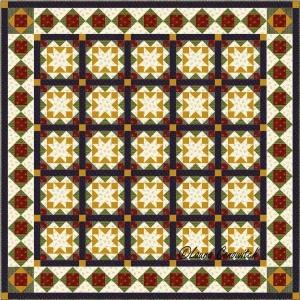
Coronation Straight Set

And with some plain blocks added:

Coronation Straight Set 2

Those plain blocks open up areas for applique, and to show off quilting.  Plain blocks can also alter a design in very pleasing and unexpected ways.

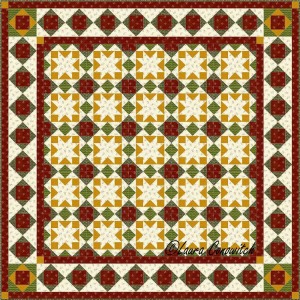
Here is what Coronation looks like in a simple on point set with borders:

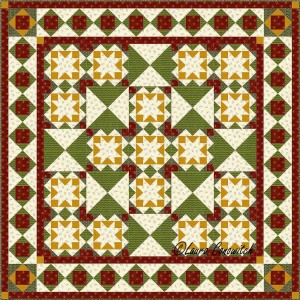
Coronation Straight On Point Set

I generally find blocks set side-by-side to be very busy designs.  I think most blocks really need to be set with an alternate block, whether it be plain or another block.

Here’s the on point setting with some plain blocks added:

Coronation Straight On Point Set 2

I’d like to see this design in red, gold, green and white…I’m seeing Christmas with these stars!

If you have BlockBase, you can play with a variation of the Coronation quilt block.

It is number 4185 and is drafted with a 10 x 10 grid.

Just to visualize, I have alternated both Coronation quilt blocks in a straight set followed by an on point setting.

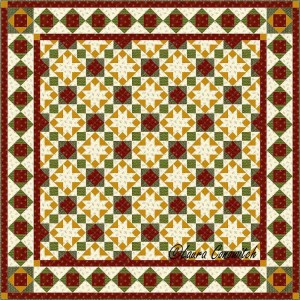
Coronation Straight Set 3

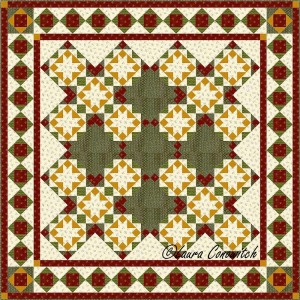
Coronation Straight On Point Set 3

So go ahead and have fun!  Try on different borders, change the color and value, rotate the blocks, and try different block combinati0ns.